Power users file your hardest tickets and drive your biggest renewals. Learn how to identify them, support them, and build a model that scales.
Every support queue contains a small group of customers who behave differently from everyone else. They submit tickets that read like bug reports. They reference API endpoints your documentation barely covers. They know your product roadmap better than some of your account managers do. Support teams often treat these customers as edge cases, since they represent a tiny slice of the user base and consume a disproportionate amount of agent time.
That framing costs money. The customers who push hardest on your product are usually the ones anchoring your largest accounts, seeding your community forums, and telling their peers whether your software is worth buying. Meanwhile, the tickets they file surface product weaknesses months before they show up in aggregate metrics.
This guide covers what a power user actually is in a customer support context, why their influence outweighs their headcount, how to identify them from data you already collect, and how to structure a support model that serves them without draining your team.
What Is a Power User?
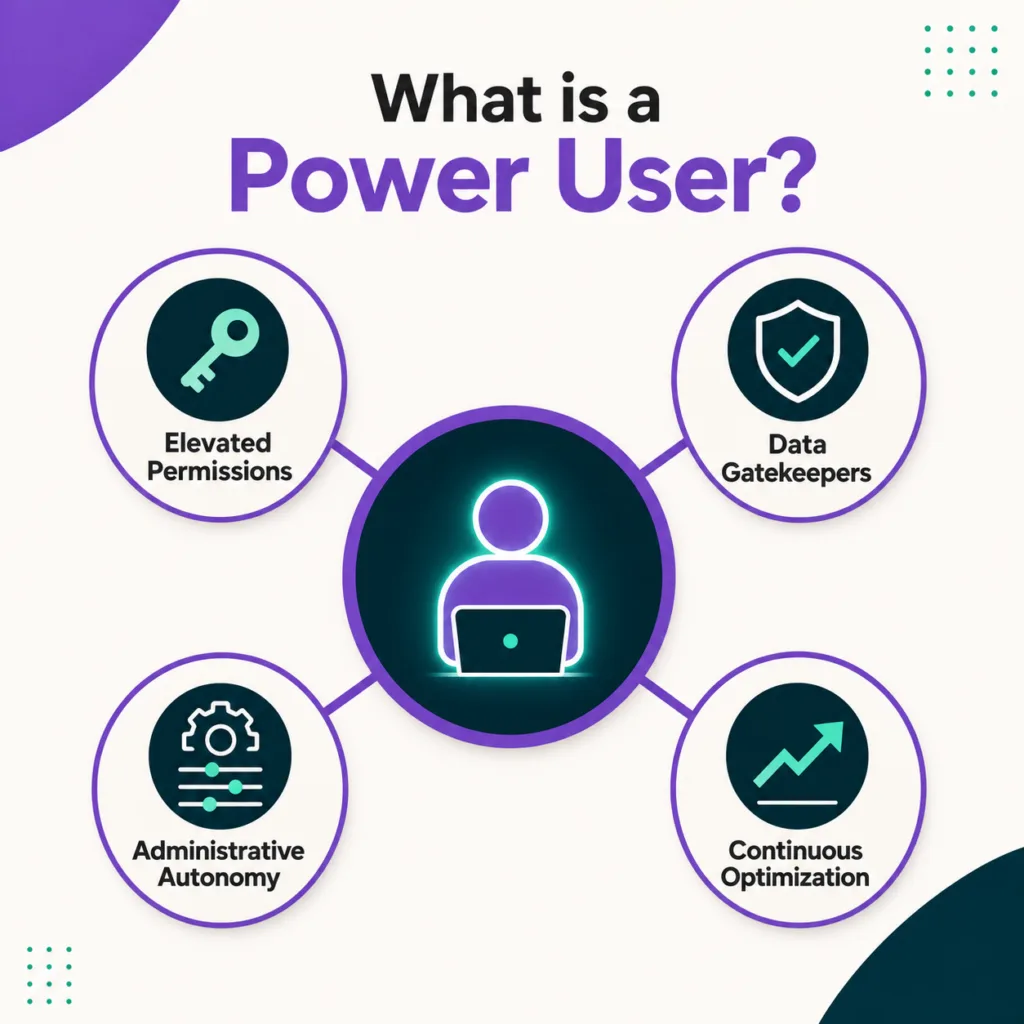
A power user is a customer who operates your product at the edge of its capability. They use features most of your base never touches, string those features together in ways your product team did not anticipate, and build workflows on top of your software that become load-bearing for their organization.
The label gets used loosely, so it helps to be specific about what separates a power user from a merely frequent one. Frequency alone is not the marker. Someone who logs in daily to complete the same three tasks is a habitual user, not a power user. The distinguishing traits sit elsewhere.
Depth rather than frequency
Power users reach into administrative settings, permission structures, integrations, and reporting layers. In enterprise products, they often hold a formal elevated role: the person who provisions accounts, configures automation rules, and owns data accuracy for their whole team. Their questions concern system behavior rather than button locations.
They build workarounds
When your product does not do something, a power user constructs a way around it. They chain integrations together, script against your API, or repurpose a feature for a use case you never documented. These workarounds are valuable intelligence, because each one marks a gap between what your product does and what your market needs.
They carry expectations shaped by other tools
Because power users evaluate software critically, they compare your product against the best implementation they have seen anywhere. A slow export, a missing bulk action, or a permission model that cannot express their org chart will generate a ticket from this group long before anyone else notices.
Their influence extends past their own account
Power users answer questions in your community, write the internal documentation their colleagues follow, and get asked for recommendations by peers at other companies. Research on recommender systems has long treated this group as structurally important, since a small number of highly connected users can measurably alter what an entire population sees and adopts.
Taken together, these traits describe a customer segment that deserves deliberate handling rather than ad hoc escalation. If your current customer support software treats every ticket as equivalent, you are almost certainly under-serving the accounts with the most revenue attached to them. Understanding why that matters financially is the next step.
See how Kayako keeps context across your most advanced accounts
Why Power Users Matter More Than Their Numbers Suggest
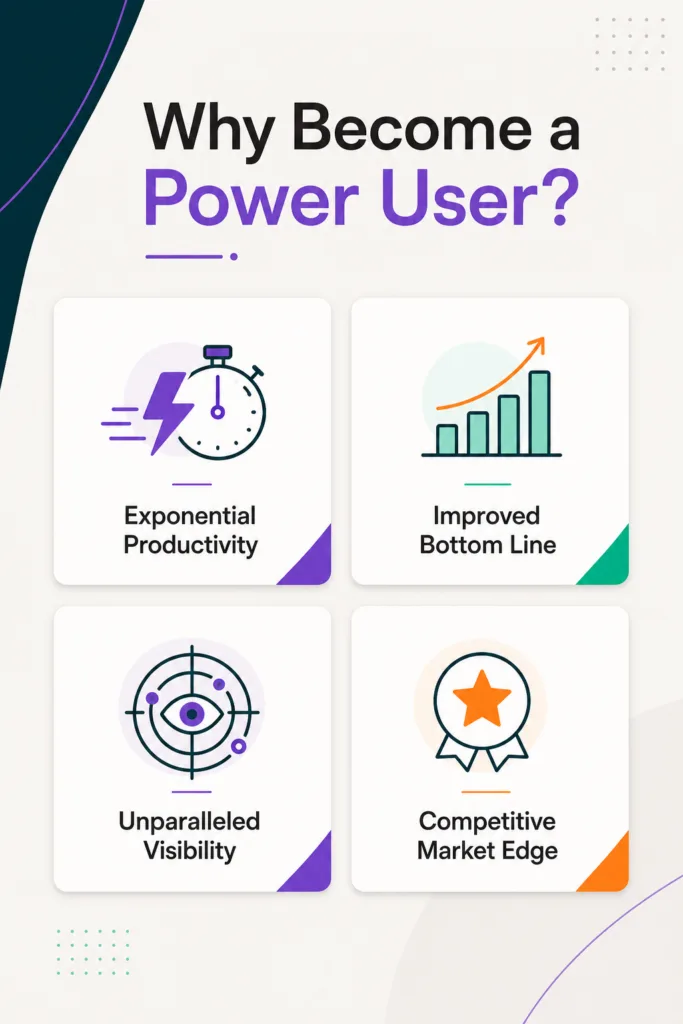
Power users rarely make up more than a few percent of a customer base. Their commercial weight is another matter entirely, and the economics of modern software have made that weight harder to ignore.
Growth has moved decisively toward the installed base. ChurnZero’s 2025 Customer Revenue Leadership Study, which surveyed 793 senior post-sale leaders, found that 74% of respondents now see most of their company’s revenue coming from existing customers. Benchmark data tells a similar story from the other direction. Pavilion’s 2025 B2B SaaS benchmarks show existing customers generating roughly 40% of new annual recurring revenue, rising above 50% at companies past $50M. Expansion is where the growth is, and expansion decisions are usually made by the people who use the product most heavily.
Power users influence those decisions in four concrete ways.
Seat and tier expansion. The person who champions adding fifty more licenses is almost never the economic buyer. It is the practitioner who has already built something valuable on your platform and wants their whole department using it.
Renewal defense. When a competitor pitches your account, the power user is the one who knows exactly how much rebuilding a migration would require. That knowledge is your strongest retention asset, and it only exists if they have gone deep enough to accumulate it.
Product signal. Their tickets predict your roadmap. A cluster of advanced requests around the same limitation is a leading indicator that a broader segment will hit that wall in two quarters.
Peer influence. Power users are the people other buyers ask before purchasing. Their answer is shaped substantially by how your support team treats them when something breaks.
There is also a cost argument. Serving these customers well requires the right tooling rather than simply more headcount, and teams that invest in that tooling see it in their retention numbers. The same ChurnZero research found that participants running a dedicated customer success platform reported 100% net revenue retention, against 94% for those without one. Six points of retention compounds fast.
Knowing that power users matter is straightforward. Finding them inside your own data takes a bit more work.
How to Spot Power Users in Your Support Data
Most teams identify power users anecdotally, usually because a particular name keeps appearing in escalations. That approach finds the loudest customers rather than the most valuable ones. A structured read of existing data works better, and you likely already collect everything required.
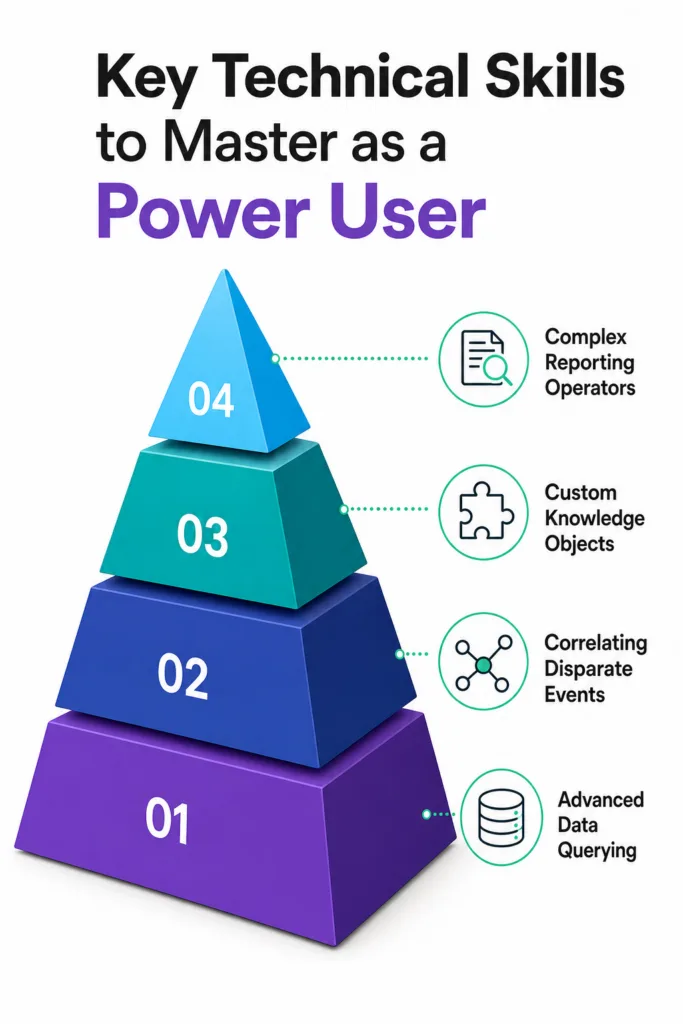
Signals fall into three tiers, and each tier is more predictive than the one below it.
Tier 1: Breadth signals
These are the easiest to pull and the weakest on their own.
- Number of distinct features touched in a 90-day window
- Use of administrative surfaces such as permissions, roles, or audit logs
- Presence of active API tokens or webhook configurations
- Number of integrations connected to the account
Tier 2: Support behavior signals
These come from your helpdesk and are considerably more diagnostic.
- Tickets that reference specific technical objects rather than general symptoms
- Feature requests submitted with a described use case attached
- Self-resolution before contact, visible as help center sessions preceding a ticket
- Willingness to test fixes, run diagnostics, or provide logs without being asked twice
- Consistently low back-and-forth counts, since these customers front-load context
Tier 3: Influence signals
The strongest tier, and the one most teams never instrument.
- Answering other customers in community forums or shared channels
- Referenced by name in tickets from colleagues at the same account
- Named in referrals, reviews, or sales conversations at other companies
- Attendance at product feedback sessions or beta programs
Combining a Tier 1 breadth score with any Tier 2 or Tier 3 signal produces a workable list. Track it against your existing customer support metrics so you can compare how this segment’s resolution times and effort scores differ from your general population. In most organizations, the gap is uncomfortable, because power user tickets are harder and therefore sit longer.
Once you can name these customers, the question becomes what they actually want from you.
What Power Users Actually Need From Support
The common assumption is that power users want faster responses. In practice, they want fewer responses, because most of their questions could have been answered without contacting anyone. What frustrates them is being made to wait for information that should have been available.
Documentation written past the beginner level
Most help centers stop at the intermediate tier. Power users need reference material covering rate limits, error codes, data models, permission inheritance, and known constraints. Gartner’s 2025 research points the same direction at a channel level: a Gartner survey of 265 customer service and support leaders conducted in April and May 2025 found that live chat, self-service portals, and knowledge management systems are consolidating their position as the essential tools for fast, scalable support, and are expected to overtake phone and email in value by 2027. Depth of content is what makes that consolidation work rather than merely reducing contact volume. Reviewing your knowledge base best practices with an advanced audience in mind is usually the highest-return change available.
A path that skips tier one
Nothing damages a power user relationship faster than being asked to clear their cache after they have already attached a HAR file. Routing rules should recognize account seniority, ticket content, and prior escalation history, then send qualifying tickets directly to a senior agent. Your ticketing system should support this without requiring manual triage.
Continuity of context
These customers reference conversations from six months ago because their implementations are long-lived. An agent who cannot see that history will ask questions the customer has already answered, which raises effort scores sharply. Keeping time to resolution low for complex accounts depends far more on context retrieval than on agent speed.
Honest answers about limitations
Power users respond better to a clear no than to a vague maybe. If a capability is not on the roadmap, telling them directly lets them plan around it. Hedging costs you credibility with the one audience most likely to notice.
A visible feedback route
Since their tickets contain product intelligence, there should be a defined path from support ticket to product team. Without one, power users stop reporting, and you lose your earliest warning system. Building a proper customer feedback loop closes that gap.
Meeting these needs at scale requires more than good intentions from individual agents. It requires a support model designed for it.
Designing a Support Model That Scales Around Power Users
The tension is real. Power users consume more agent time per ticket than anyone else, and support budgets are not expanding to match. Resolving that tension means changing where human attention goes rather than adding more of it.
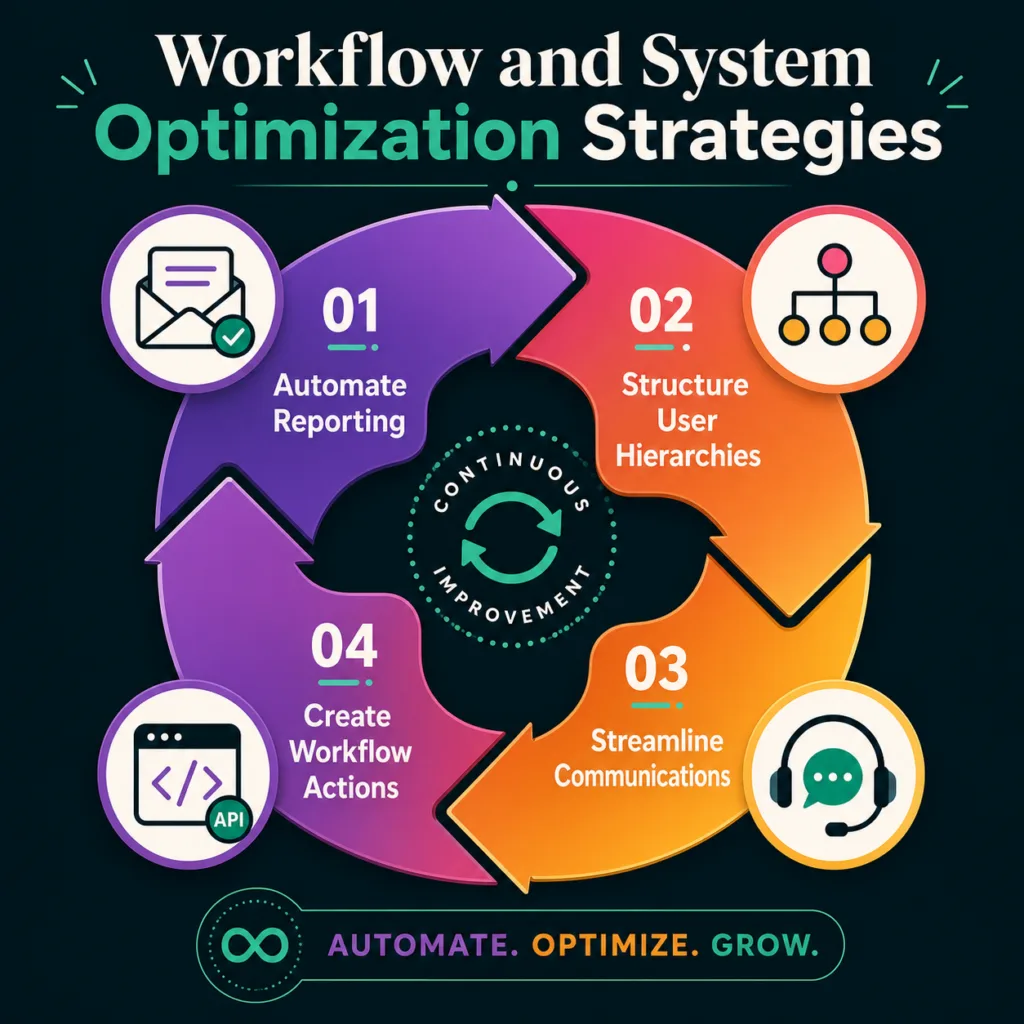
Automate the volume that is not power user work
The majority of any support queue consists of repetitive, well-documented questions. Handing those to an AI layer frees senior capacity for the tickets that genuinely need judgment. Salesforce’s seventh State of Service report, based on a survey of 6,500 service professionals conducted between April and June 2025, found that AI is expected to handle half of all customer service cases by 2027, up from roughly 30% today. The same research put the agent-side gain at about 20% less time spent on routine cases, returning an estimated four hours per week for more complex work.
That reclaimed time is exactly what power user tickets require. Kay, Kayako’s AI support agent, resolves repetitive tickets autonomously so senior agents stay free for the complex ones. Kay plugs into your existing helpdesk through the API with no migration required, and pricing is tied to tickets actually resolved.
Free your senior agents for the tickets that actually need them
Build a genuine self-service tier for advanced questions
Self-service only deflects what it can actually answer. Gartner surveyed 5,801 customers in January and February 2025 and found that when agents actively promote self-service during a conversation, roughly twice as many customers say they will use it for their next issue. Advanced customers will adopt self-service readily, provided the content goes deep enough to be useful. Pairing a strong knowledge base with agents who point toward it compounds over time.
Route by complexity, not by queue position
First-in-first-out ordering is the wrong policy for a mixed queue. Complexity-based routing sends straightforward tickets to automation, standard tickets to tier one, and advanced tickets to the agents equipped to handle them. This also improves agent productivity, because specialists stop context-switching between trivial and difficult work.
Give power users a channel with a name
Some organizations run a formal program with early access, a private community, and a named contact. Others simply flag the accounts internally. Either approach works, provided the customer can tell that their expertise is recognized. Many of these customers will happily become advocates, and understanding what a customer advocate does helps you structure that relationship deliberately.
Instrument the loop
Track resolution time, effort, and reopen rate for the power user segment separately from your overall numbers. Blended averages hide problems in this group, because their smaller volume gets swamped by routine tickets.
Even with the right model in place, a few predictable errors keep recurring.
Common Mistakes Teams Make With Power Users
Support organizations tend to fail this segment in consistent ways, and most of the failures are structural rather than individual.
Treating high ticket volume as a problem to suppress. A power user filing many tickets is usually a sign of deep adoption. Suppressing that contact removes your visibility into how the product performs under pressure.
Assuming they will tolerate poor experiences because they are invested. Switching costs buy patience, though not indefinitely. Accumulated frustration tends to surface at renewal, when there is no time left to fix it.
Letting product feedback die in the helpdesk. If advanced requests never reach the product team, the customer eventually concludes that reporting is pointless and stops.
Over-automating the wrong tier. Sending complex accounts into a chatbot loop is worse than a slow human response. Automation should absorb routine volume while escalation paths for advanced questions stay obvious and fast.
Measuring the segment with blended metrics. A healthy overall CSAT can coexist with serious dissatisfaction among your most valuable accounts.
Avoiding these errors requires deciding that this segment is worth managing intentionally, which brings us to the practical questions teams usually raise.
Turning Your Hardest Customers Into Your Strongest Ones
Power users are the customers most likely to find your product’s limits, and also the ones most likely to defend it when a competitor comes calling. How your support organization handles them determines which of those outcomes you get.
The work is not complicated. Identify them from data you already hold, give them documentation and routing that respect their expertise, automate the routine volume that stands between them and a senior agent, and make sure their feedback reaches the people who can act on it. Teams that do this consistently see it in retention, expansion, and the quality of their product decisions.
Fix the escalation gaps before renewal season finds them first
Frequently Asked Questions About Power Users
What percentage of customers are typically power users?
The proportion varies substantially by product category, though most software companies find that somewhere between 1% and 5% of their user base meets a reasonable definition. Products with deep configurability and API access tend toward the higher end, while simpler tools sit lower. The percentage matters far less than the revenue concentrated in those accounts, which is often disproportionate.
Are power users the same as customer advocates?
They overlap considerably without being identical. A power user has technical depth in your product, while an advocate actively promotes it to others. Many power users become advocates when their experience is good, and the conversion is one of the higher-return moves available to a support organization. Some power users, however, remain quietly expert and never speak publicly.
Should power users get a separate support tier?
Formal tiering works well for enterprise products where these customers are concentrated in large accounts. For self-serve products, complexity-based routing usually delivers a better outcome than an explicit tier, since it catches advanced users regardless of contract size. The important part is that a technical ticket reaches a technical responder quickly.
How do we support power users without neglecting everyone else?
Automation is what makes this possible. Once routine volume is handled without human involvement, senior capacity opens up for complex work, and standard customers still receive fast answers. Attempting to serve both groups well with the same manual process is where most teams fail.
Can power users become a liability?
Occasionally. A power user with an unusual configuration can generate support load out of proportion to their account value, and their feature requests can pull the roadmap toward a narrow use case. The safeguard is aggregation: act on patterns across multiple advanced customers rather than on any single voice.