Quick summary: Call center tools fall into clear categories: the core platform that routes calls and digital channels, workforce management for scheduling and forecasting, analytics, quality monitoring and coaching, and knowledge management for self-service. This guide covers the leading tools in each category, with honest strengths and real user-review links, then explains how to choose. The fastest way to lighten the load on any call center is to resolve routine questions before they ever ring through, which is where AI and knowledge tools come in.
Call center tools are the software that runs a modern support operation, and there is no single tool that does it all. The category splits into distinct jobs: handling the calls and messages, staffing the team, analyzing what happens, coaching agents, and deflecting the routine questions that never needed a live agent. Each job has its own specialist tools, and the best operations mix and match rather than hoping one platform excels at all of them. Buying well means knowing which job you are solving for, then picking the best tool for that job rather than a suite that does everything adequately and nothing brilliantly. The teams that struggle are usually the ones that bought a big platform expecting it to solve a problem that belonged to a different category entirely.
The market reflects that breadth. The contact center software market is worth about $63.9 billion in 2025 and is projected to reach $260 billion by 2034, per Fortune Business Insights. This guide is organized by category, with the leading tools in each and a link to real user reviews so you can judge sentiment for yourself rather than take a vendor at its word. Reviews are where the day-to-day reality of a tool shows up, from support quality to hidden costs. It starts with the categories, then works through them one by one.
What are call center tools?
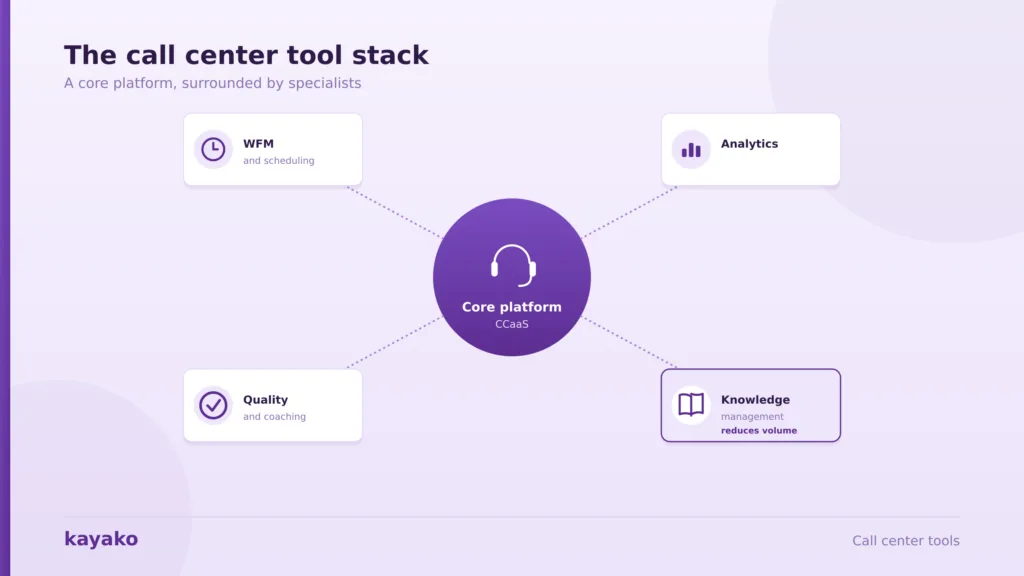
Call center tools are grouped by the job they do. Understanding the categories is the first step, because most tools specialize in one and integrate with the others. A single vendor may sell across several categories, but its real strength usually sits in one, and knowing which helps you judge where it will genuinely lead versus merely tick a box.
| Category | What it does | Example tools |
|---|---|---|
| Core platform (CCaaS) | Routes and handles calls and digital channels | NICE, Genesys, Five9 |
| Workforce management | Forecasts demand and schedules agents | Verint, Calabrio, Assembled |
| Analytics | Analyzes calls and interactions at scale | CallMiner, NICE, Verint |
| Quality and coaching | Scores interactions, surfaces coaching | Observe.ai, Scorebuddy, Playvox |
| Knowledge management | Powers self-service and agent answers | Kayako, Zendesk, Guru |
One trend cuts across every category: the cloud. Over 75% of contact centers now run on cloud or hybrid infrastructure, per Gartner figures cited by Verified Market Reports, which is why most of the tools below are delivered as software rather than on-premises hardware. The categories also tend to be bought in a rough order, starting with the platform and adding specialists as the operation matures. The most important category to get right is the core platform, so start there.
Core call center platforms (CCaaS)
The core platform, often called CCaaS for contact center as a service, is the cloud system that receives, routes, and handles interactions across voice and digital channels like chat, email, and social. It is the backbone every other tool plugs into, so it is usually the first purchase and the one that constrains the rest of the stack. Getting it wrong is expensive to undo, which is why it deserves the most scrutiny.
1. NICE CXone. A comprehensive cloud platform combining routing, workforce optimization, and analytics, suited to large and enterprise contact centers. Its breadth is the draw, and few platforms match its depth of features; smaller teams sometimes find it more than they need, and its power comes with a learning curve. See user reviews on G2.
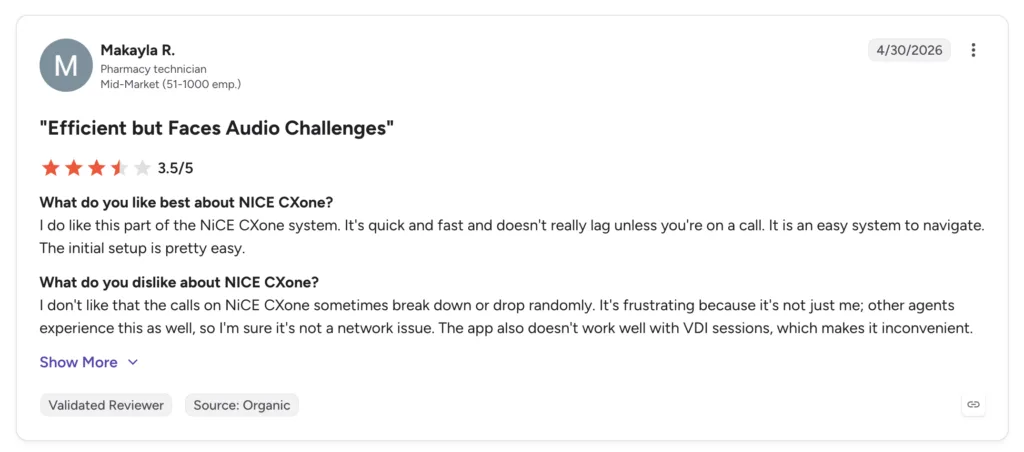
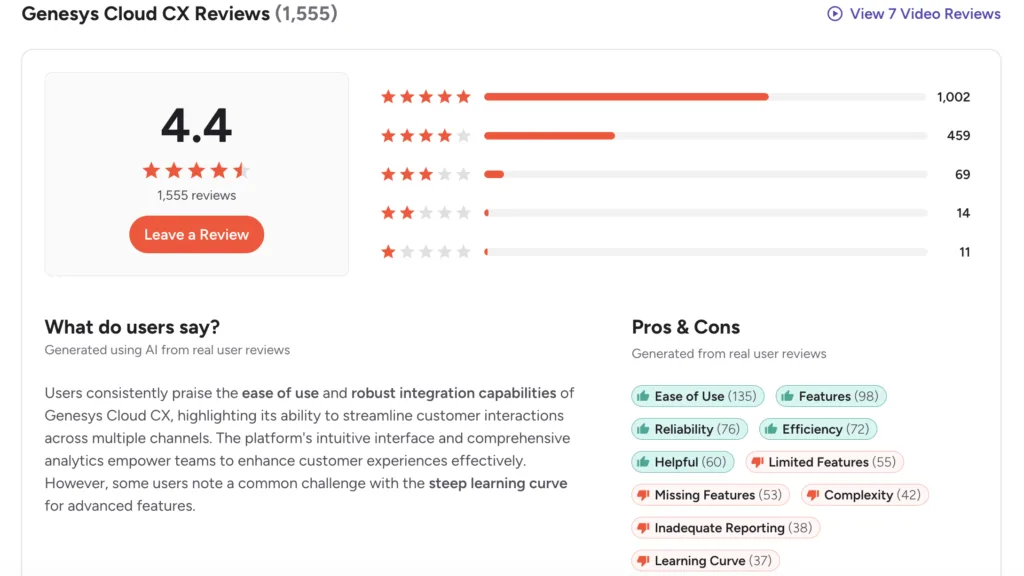
2. Genesys Cloud CX. A strong all-in-one platform for omnichannel routing and AI, popular with mid-market and enterprise teams. Reviewers praise its flexibility and native AI, and note that advanced configuration takes real effort and often a specialist to get the most from it. See user reviews on G2.
3. Five9. A well-established cloud contact center known for reliable outbound and inbound voice, suited to sales-heavy and blended operations. Its voice roots are a strength, especially for high-volume calling, and some teams want deeper native digital and messaging features than it offers out of the box. See user reviews on G2.
4. Talkdesk. A modern, AI-forward platform with a clean interface, popular with growing support teams. It is quick to deploy and pleasant to use day to day, which suits teams without a large admin function; the higher tiers and add-ons raise the price as needs grow. See user reviews on G2.
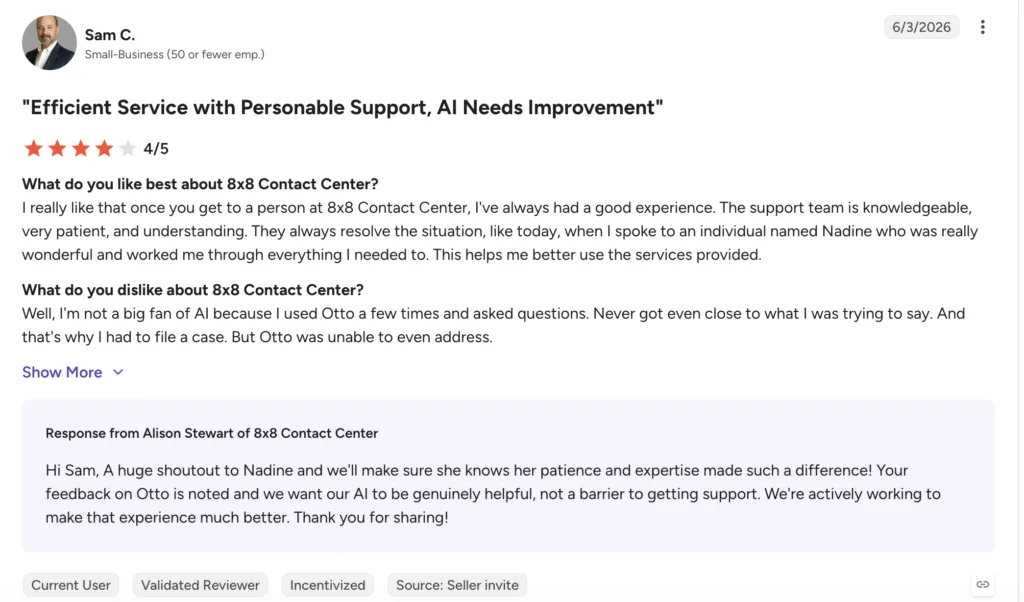
5. 8×8. A unified platform that combines contact center with business phone and video, suited to teams wanting voice, meetings, and support in one place rather than stitched together from separate vendors. The all-in-one scope is the appeal, and depth in any one area can trail a specialist. See user reviews on G2.
 6. RingCentral. Known for cloud communications, its contact center pairs well with its phone system, suiting teams already in the RingCentral ecosystem who want one vendor for communications and support. Teams outside that ecosystem may weigh it against more contact-center-native options. See user reviews on G2.
7. Aircall. A lightweight, easy-to-set-up cloud phone and call center built for small and mid-sized teams, with strong CRM integrations and a short path to going live. Larger enterprises may outgrow their feature set, but for its target size, it is hard to beat on simplicity. See user reviews on G2. Once calls are flowing, the next job is staffing the team to answer them.
Workforce management and scheduling tools
Workforce management, or WFM, forecasts how much contact volume is coming and schedules the right number of agents to meet it. It is where call center scheduling and forecasting live. Get it right, and agents are neither overwhelmed at peak nor idle in the quiet hours; get it wrong, and you either burn out staff or pay for capacity you do not use. The category is sizeable in its own right, worth about $6 billion in 2025, per WiseGuy Reports.
8. Verint. A leader in workforce management and engagement, strong for forecasting, scheduling, and adherence in larger operations, with mature analytics behind it. It rewards teams with the scale and complexity to use its depth, and can feel heavy for very small ones. See user reviews on G2.
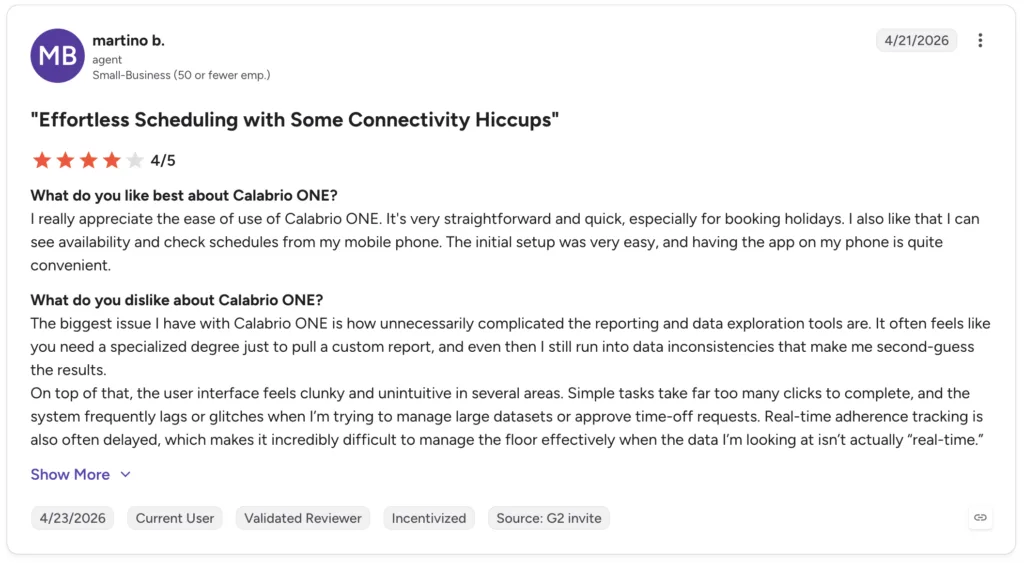
9. Calabrio. A workforce optimization suite pairing WFM with quality management and analytics in one place, popular for its usability and cleaner interface. Combining categories in a single tool suits teams that want fewer vendors to manage. See user reviews on G2.
- Assembled. A modern, fast-to-deploy WFM tool built for support teams that want accurate forecasting and flexible scheduling without the heavy setup of legacy WFM. Its modern approach suits digital-first and hybrid teams, though the deepest enterprise features still favor the incumbents. See user reviews on G2. With staffing planned, the next question is understanding what actually happens during those interactions.
Analytics and reporting tools
Analytics tools turn the raw content of calls and messages into insight, using speech and interaction analytics to surface trends, compliance risks, and coaching opportunities. The segment is growing fast, from about $2.3 billion in 2025 toward $12.8 billion by 2034, per Fortune Business Insights.
- CallMiner. A specialist in conversation and speech analytics, strong for mining large volumes of interactions for sentiment, intent, and compliance risk. Because it focuses on this one job, it tends to go deeper into analysis than the analytics built into a broader platform. See user reviews on G2.
- NICE and Verint analytics. Both core-platform vendors offer powerful built-in analytics that many teams already own as part of their suite; Verint speech analytics has flagged up to 95% of calls for compliance triggers in deployments, per Mordor Intelligence. Analytics tells you what happened; the next category acts on it to improve quality.
Quality monitoring and coaching tools
Quality monitoring tools score interactions against a rubric and surface the moments worth coaching, so managers spend time where it matters instead of listening to random calls. Traditional quality programs sampled a handful of calls per agent per month, which missed most of what happened; modern tools score far more, so coaching is based on the full picture rather than a lucky dip.
13. Observe.ai. An AI-first platform that scores 100% of interactions and automates coaching workflows, popular with data-driven teams that want QA at scale rather than by sampling. The automation is the draw; teams still need to define what good looks like for the scoring to be useful. See user reviews on G2.
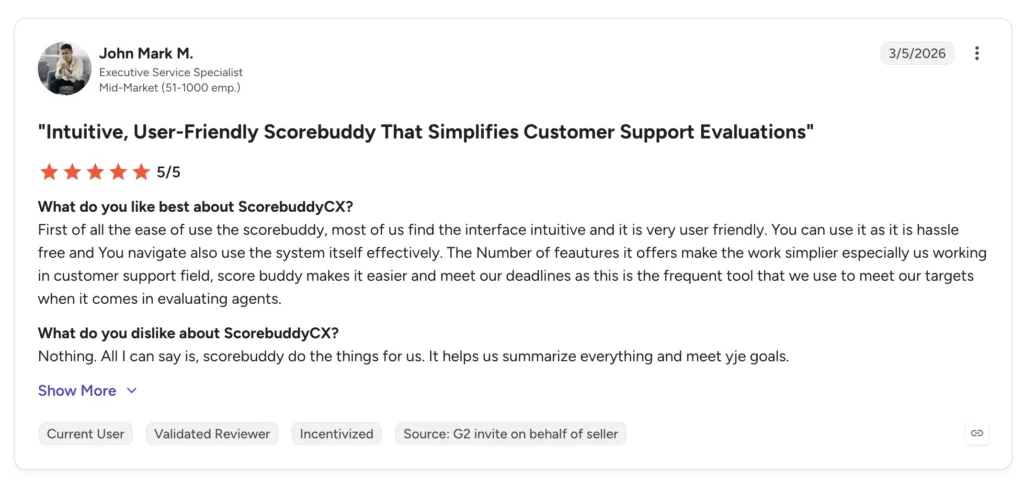
14. Scorebuddy. A dedicated quality-assurance and scorecard tool, strong for structured QA programs at any size, with flexible scorecards and reporting. Its focus on QA alone makes it straightforward to adopt without committing to a full suite. See user reviews on G2.
15. Playvox. A quality and performance suite built for digital-first support teams that combines QA, coaching, and agent motivation. Real-time agent assist and coaching lifted productivity 28% at Teleperformance, per Mordor Intelligence. See user reviews on G2. Closely related to quality is the discipline of predicting and watching volume in real time.
Forecasting and monitoring tools
Forecasting and real-time monitoring often live inside the WFM suite rather than as standalone products. Forecasting predicts contact volume, by hour and by channel, so schedules match demand, while monitoring gives supervisors live dashboards of queues, staffing, and service levels so they can react in the moment. A missed forecast shows up fast in a monitoring dashboard as growing queues, which is why the two work hand in hand. Digital-first routing that moves routine volume to chat and messaging cuts average handle time 22% at NICE, per Mordor Intelligence. The single most effective way to improve every one of these numbers, though, is to reduce the volume in the first place, which is what knowledge tools do.
Knowledge management tools (where Kayako fits)
Knowledge management tools power both agent-facing answers and customer self-service. They are the one category that reduces call volume rather than just handling it, by resolving routine questions before they become calls. Every other tool on this page makes handling contacts more efficient; knowledge and AI tools remove contacts from the queue altogether, which is a different and often larger win. This is the lane Kayako competes in.
- Kayako. Kayako pairs a customer help center with AI that resolves routine questions autonomously, deflecting and closing tickets before they reach an agent. It suits support teams that want to shrink incoming volume rather than only route it, and it is honest about its lane: it complements a telephony platform rather than replacing it. For a call center, that means fewer calls reaching the queue in the first place, which lightens the load on every other tool in the stack. The difference from a traditional knowledge base is that it does not just surface an article; it resolves the question. See how it works in this guide to knowledge base software.
- Zendesk. A mature support suite with a built-in knowledge base and guide, common in larger operations already standardized on it. Its breadth is the strength, and cost climbs as seats and add-ons grow. See user reviews on G2.
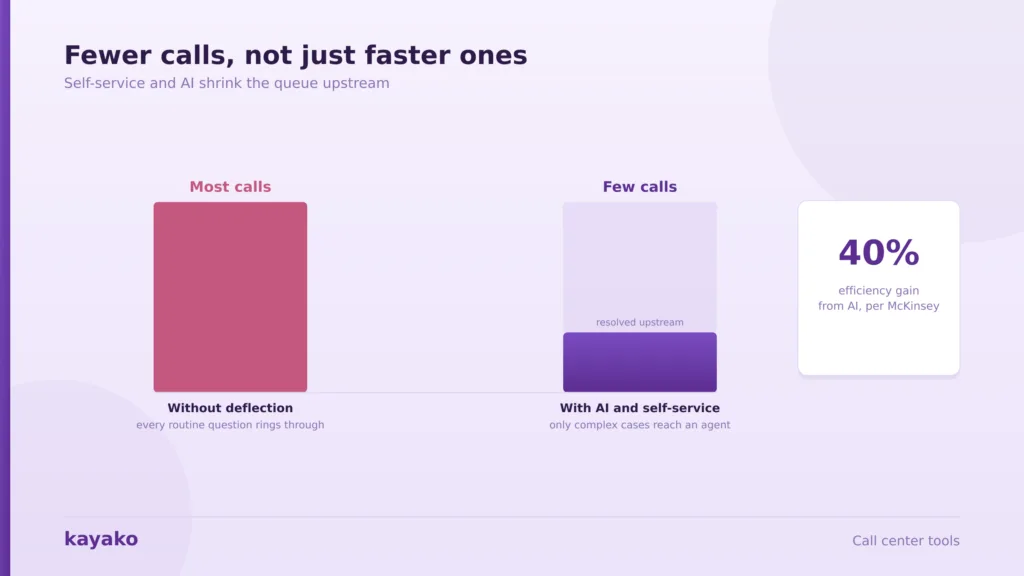
- Guru. An internal knowledge tool that surfaces verified answers to agents inside their workflow, so they find trusted information without leaving the screen they are working in. It is aimed at agent enablement rather than customer-facing deflection. See user reviews on G2. These tools reduce work rather than reshuffling it, which is why they often top the priority list. Because AI in the contact center can improve operational efficiency by up to 40% per McKinsey figures cited by WiseGuy Reports, knowledge and AI tools often deliver the fastest return. With the categories covered, the question is how to assemble them.
Deflect routine questions before they reach your queue with Kayako
How to choose call center tools
The right stack depends on your size, channels, and biggest bottleneck, and there is no universal best combination. A few questions narrow it down quickly.
- Start with the core platform. Your CCaaS choice anchors the stack, so pick it for your channel mix and scale first, then add specialized tools around it. Switching it later means migrating everything built on top, so it is worth extra diligence.
- Buy for your bottleneck. If schedules are chaotic, prioritize WFM; if quality is inconsistent, prioritize QA; if volume is crushing the team, prioritize knowledge and AI. Trying to fix everything at once usually means fixing nothing well, so sequence the purchases by pain.
- Check integrations. Tools that share data beat point solutions that silo it, so weigh how well each connects to the others and to your CRM. A quality tool that cannot see the interaction data, or a knowledge base disconnected from the platform, loses much of its value. Pairing them with helpdesk automation tools multiplies the value.
- Weigh the cost at the scale. Per-seat pricing climbs as you grow, so model the real cost, and note where cost reduction comes from deflection rather than headcount.
For most teams, the highest-value move is not a better dialer but fewer calls, which is where Kayako fits. You can compare the broader landscape in this roundup of top-rated B2B support tools. That deflection angle is worth a closer look.
Reduce cost per contact with Kayako
Where Kayako fits in a call center stack
To be clear about where Kayako fits: it is not a telephony platform, a dialer, or a workforce-management suite. It sits in the knowledge and AI-resolution lane, and its job is to reduce the volume your call center has to handle. Agent Kay resolves routine questions autonomously across the help center, chat, and email, and SingleView keeps the full customer history on one record, so the tickets that never needed a live agent never become calls. In a call center, that upstream deflection is worth more than any efficiency gain downstream, because a call avoided costs nothing to handle and takes zero seconds of agent time. It is a rare improvement that helps cost and customer experience at the same time. Because pricing is per resolved ticket rather than per seat, deflection that works lowers cost instead of adding licenses, which is the practical route to real customer support metrics improvement. You can see the pattern in these examples of AI in customer service.
The effect on volume is the whole point. Trilogy, for example, eliminated 80% of its ticket volume after adopting Kayako and saved $5 million in 90 days, as routine contacts stopped reaching agents at all. For a call center measured on how much it has to handle, removing most of that volume upstream matters more than handling it faster, since it reshapes staffing needs, average handle time, and how much of your best agents’ attention goes to the hard cases. That is the honest place Kayako belongs in a call center stack: not the platform, but the tool that shrinks what the platform has to carry.
See how Kayako resolves tickets automatically
Call center tools are best understood by category: the core CCaaS platform, workforce management, analytics, quality and coaching, and knowledge management. The strongest stacks are not built from a single suite but assembled tool by tool, starting with the platform and adding specialized tools for your biggest bottleneck. A suite can be a fine starting point, but the best-in-class result usually comes from choosing the leader in each category that matters to you. Use the review links throughout to judge real user sentiment before you commit, since the gap between a demo and daily use is where most buying regret comes from.
Whatever you build, the most effective improvement is usually the one that reduces volume rather than just handling it. Every routine question resolved by AI or self-service is a call your team never has to take, which is why knowledge and AI tools increasingly sit at the center of the modern call center rather than at its edge. The best-run operations pair a solid platform with aggressive deflection, so their agents spend their time on the conversations that actually need a human.
Turn repetitive tickets into autonomous resolutions with Kayako
Frequently asked questions
What are the main types of call center tools?
Call center tools fall into five main categories: the core platform, or CCaaS, which routes and handles interactions; workforce management for forecasting and scheduling; analytics for interaction and speech insight; quality monitoring and coaching for scoring and improving agent performance; and knowledge management for self-service and agent answers. Most tools specialize in one category and integrate with the others, so a complete stack combines several rather than relying on a single product.
What is the best software for a call center?
There is no single best tool, because it depends on the job. For the core platform, NICE CXone, Genesys, Five9, and Talkdesk lead; for workforce management, Verint, Calabrio, and Assembled; for quality, Observe.ai and Scorebuddy; and for knowledge and deflection, Kayako and Zendesk. The right choice depends on your size, channel mix, and biggest bottleneck, so buy for the problem you most need to solve rather than for the longest feature list.
What are call center workforce management tools?
Workforce management tools forecast how much contact volume is coming and schedule the right number of agents to meet it, then track adherence to those schedules. They handle call center scheduling, forecasting, and real-time monitoring, which keeps service levels steady without overstaffing. Verint, Calabrio, and Assembled are among the leading options, and forecasting and monitoring features usually live inside these suites rather than as standalone products.
What tools are used for call center quality monitoring?
Quality monitoring tools score interactions against a rubric and surface the ones worth coaching, so managers focus their time effectively. AI-first tools like Observe.ai can score every interaction automatically rather than a small sample, while dedicated tools like Scorebuddy support structured scorecard programs, and suites like Calabrio and Playvox combine quality with workforce and performance features. The goal is consistent, data-driven coaching rather than reviewing random calls.
How can I reduce call center volume?
The most effective way to reduce call volume is to resolve routine questions before they become calls, through self-service and AI. A strong knowledge base lets customers solve common problems themselves, and an AI agent can resolve routine requests autonomously across chat, email, and the help center. Because AI in the contact center can improve efficiency by up to 40%, knowledge and AI tools often deliver the fastest return of any category, by shrinking the volume every other tool has to handle.