
Looking for the best helpdesk software? We reviewed 8 top AI customer support platforms — Kayako, Zendesk, Freshdesk, Intercom & more — with real pros, cons, and pricing so you can choose with confidence.
Choosing helpdesk software is one of those decisions that quietly defines your customer experience for years. Pick well and you’ll deflect repetitive volume, keep agents focused on meaningful work, and get clean data for continuous improvement. Pick poorly and you’ll lock teams into rigid workflows, balloon costs with add-ons, and frustrate customers with brittle bots.
Most comparison lists stop at feature tables. This one doesn’t.
Below, you’ll find eight platforms that consistently deliver — based on hands-on setups, real-world deployments, and measurable outcomes. Each review covers strengths, trade-offs, and pricing, plus a practical framework to help you choose confidently.
“The right helpdesk software isn’t the one with the most features — it’s the one that fits how your team actually works.”
How I Evaluated These AI Helpdesk Tools
I tested each platform across the scenarios that matter most to modern support teams:
- AI depth: intent detection, triage/routing accuracy, auto-summarisation, suggested replies, contextual grounding from CRM/KB, bot builder flexibility, guardrails, and analytics
- Agent experience: unified workspace, collaboration, macros/shortcuts, noise reduction, swarming, and omnichannel context continuity
- Admin and workflows: low-code automation, SLA policies, queue design, approvals, skills-based routing, and sandboxing
- Knowledge and self-service: authoring UX, search quality, semantic retrieval, content lifecycle, feedback loops, and deflection analytics
- Integrations and extensibility: CRM/commerce/dev tools, API coverage, marketplace maturity, data sync patterns, and webhook reliability
- Security and compliance: SSO/SCIM, roles/permissions, data residency, audit logs, PII handling, and SOC/ISO/PCI/HIPAA options
- Total cost of ownership (TCO): licences, add-ons, implementation, admin/FTEs, training, content ops, and exit costs over 12–36 months
Tools covered in this guide:
- Kayako — AI-native, expert-implemented helpdesk
- Zendesk — Classic omnichannel with a vast marketplace
- Freshdesk — Budget-friendly with strong automation
- Intercom — Conversational, SaaS-first engagement
- Salesforce Service Cloud — CRM-deep enterprise platform
- ServiceNow — ITSM powerhouse for large enterprises
- Zoho Desk — Affordable, Zoho-ecosystem-friendly
- Jira Service Management — Dev-aligned ITSM for Atlassian shops
|
1. Kayako — The AI Helpdesk That Works Out of the Box
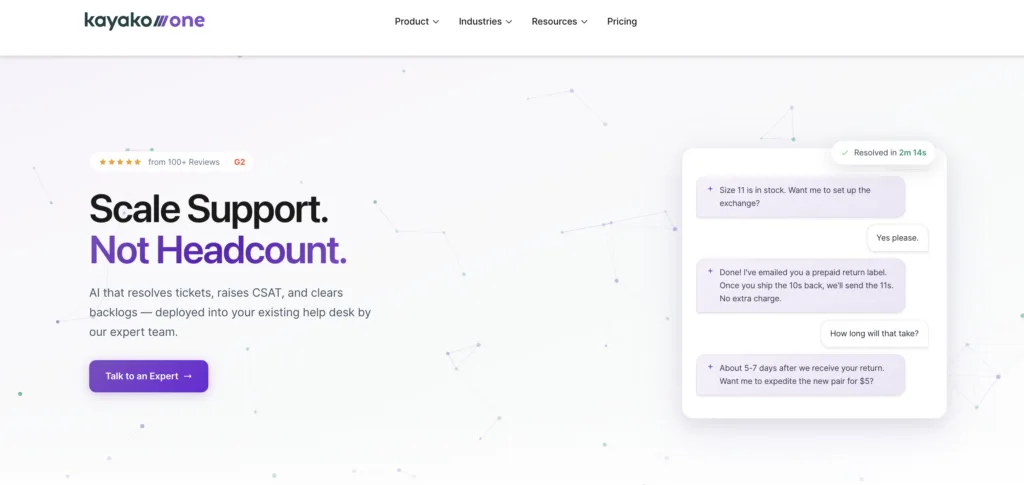
Most helpdesk software vendors sell you a platform and leave you to figure out the AI. Kayako flips that model on its head. It’s an AI Support Agent and modern helpdesk — implemented for you by a team of AI support experts. The result? Support teams don’t buy a new interface. They buy a cost reset.
Trusted by 10,000+ support professionals across 300+ companies, Kayako’s phased AI approach means you’re not gambling on a big-bang rollout. You start with one support queue, prove ROI, and scale from there. It’s the anti-hype AI option in a market full of overpromises.
Kayako’s AI Features — What Actually Sets It Apart
- AI Triage (Phase 1): Auto-classifies, prioritises, and routes tickets. Enriches context to stop manual sorting. The result? A lower backlog and faster first response — fast.
- AI Answers (Phase 2): The AI responds with high-confidence answers, or asks clarifying questions before escalating. It knows when to hand off, and it does so gracefully.
- AI Continuous Learning (Phase 3): Every resolved ticket makes the AI smarter. It monitors human agent responses, learns from them, and expands coverage over time — without extra configuration work.
- Expert-led implementation: Kayako’s professional services team sets up the system, trains the data, and integrates workflows. This is why Kayako outperforms self-serve AI tools that require months of internal effort.
- Backlog Breakthrough Guarantee: Full refund if no measurable results. That’s a rare level of confidence in the helpdesk market.
- $1 per ticket cost: Industry-leading efficiency metric that makes the TCO argument compelling at scale.
Kayako in Action — Real Numbers from Real Deployments
- Average ticket age: 18h → under 5h
- Open backlog reduced: 1,284 tickets → 68% AI-resolved
- CSAT score: 76% → 90%
“Kayako cut our ticket age from 18 hours to under 5 and half of those tickets disappeared entirely. We weren’t buying a new interface. We were buying a cost reset.” — Colin Guilfoyle, SVP of Customer Support, Trilogy
“Every time we lost a support agent, it cost us $20,000 and three months of scrambling. Since we brought in Kayako, that’s changed.” — Balaji Jayaraman, VP of Customer Support, Aurea
Kayako’s Total Cost of Ownership — Why It’s a Different Conversation
Most customer support software vendors charge per seat, then layer on AI features, then charge again for analytics, WFM, and telephony. The bill spirals fast. Kayako’s model is fundamentally different: a phased pilot-first structure means you prove ROI on one queue before expanding. At $1 per ticket, the maths get compelling quickly — especially when you factor in the cost of hiring, training, and replacing human agents.
For teams on a legacy helpdesk, Kayako can be deployed as an AI layer on your existing stack or as a full modern help desk replacement. Either way, you get a dedicated implementation team — not a set of documentation and a support ticket.
Kayako’s Pricing
Kayako operates on a pilot-first, custom pricing model. The 90-day AI Agent Pilot is the recommended starting point: focused on one support queue, with clear KPIs (CSAT, average response time, first-touch resolution) and a Backlog Breakthrough Guarantee. Contact the team for enterprise pricing.
Kayako’s Pros
- Expert-implemented AI: No DIY frustration. The team does the heavy lifting so you see results from day one.
- Phased rollout: Start with one queue. Prove ROI. Scale predictably. No big-bang risk.
- Outcome-based pricing: A guaranteed result model is rare — and it means Kayako has skin in the game.
- AI that learns continuously: Your system gets smarter with every ticket, not just after manual retraining.
- Trusted by 300+ companies: A proven track record, not a beta product.
Kayako’s Cons
- Pilot-first model: Not ideal for teams that want instant self-serve access. This is hands-on, which some teams prefer to move faster alone.
- Custom pricing: No public price list makes it harder to benchmark without a call.
- Best for mid-market: Very small teams with minimal ticket volume may not see the full ROI of expert implementation.
|
2. Zendesk — The Industry Standard for Omnichannel Support
When someone says helpdesk software, they probably picture Zendesk. It’s the benchmark against which most other tools are measured — and for good reason. With omnichannel support, a mature AI layer, and one of the largest app marketplaces in the category, Zendesk is a solid choice for teams that value breadth and scalability. See how it compares in our Zendesk alternatives breakdown.
Zendesk’s Top AI and Support Features
- Answer Bot: AI-powered bot that suggests help articles before escalating to human agents, reducing inbound ticket volume.
- Zendesk Explore: Built-in analytics for tracking support metrics and CSAT with customisable dashboards.
- Omnichannel routing: Email, chat, social, and phone unified in one agent workspace.
- Extensive marketplace: 1,200+ integrations including Slack and Shopify.
- Sunshine CRM platform: Allows custom apps and integrations for complex enterprise workflows.
Zendesk’s Pros
- Robust ticketing with intelligent automation: Macros, triggers, and routing rules save significant agent time at scale.
- Best-in-class multichannel support: A truly unified agent workspace across every channel.
- Deep analytics: Zendesk Explore is genuinely powerful for data-driven support leaders.
- Enterprise scalability: Role-based access, team hierarchies, and global performance make it a long-term platform bet.
- Massive app ecosystem: Hundreds of integrations solve niche pain points without custom development.
Zendesk’s Cons
- Steep learning curve: The interface overwhelms non-technical teams. Proper onboarding takes weeks, not days.
- High cost for advanced features: Premium plans and AI add-ons are expensive. Small businesses often feel priced out of essential functionality.
- Slow support from Zendesk itself: Users report waiting days for responses on critical tickets — an irony that frustrates teams.
- Limited customisation in lower tiers: Basic plans restrict branding and workflow flexibility.
- Occasional performance glitches: Sporadic slowdowns during high-traffic periods affect real-time service.
Zendesk’s Pricing
- Suite Team: $55/agent/month (annual) — basic ticketing, chat, help centre
- Suite Growth: $99/agent/month — advanced automation and reporting
- Suite Professional: $115/agent/month — AI features and advanced integrations
- Suite Enterprise: Custom pricing
- Free Trial: 14 days
Note: AI tools, voice support, and workforce management are add-on costs on top of base plans. Also see: Zendesk vs Freshdesk | Zendesk vs Intercom | Zendesk vs Zoho Desk.
|
3. Freshdesk — The Budget-Friendly Helpdesk for Growing Teams
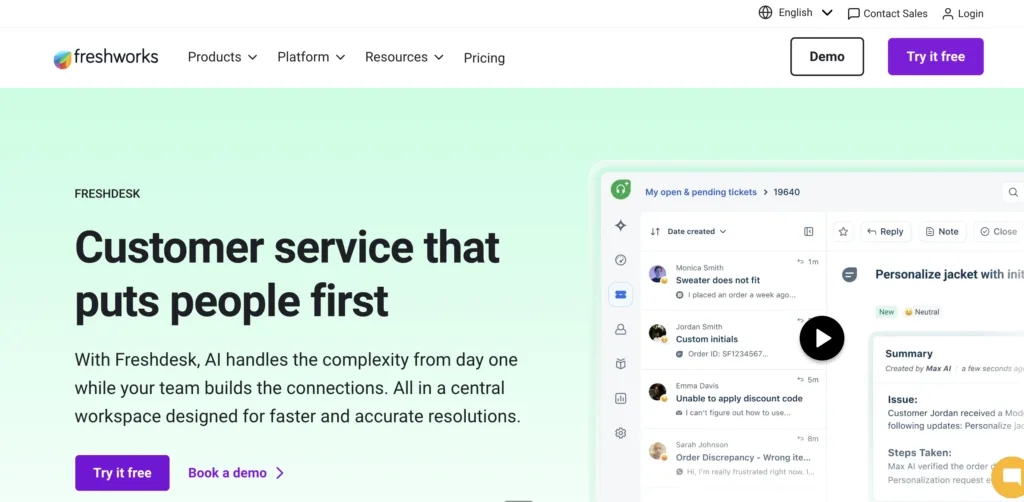
If Zendesk is the enterprise default, Freshdesk is its scrappier, more affordable sibling. Part of the Freshworks suite, Freshdesk offers solid customer support software capabilities — ticketing, omnichannel, and AI via Freddy — at price points that don’t require a VP’s sign-off. It’s especially popular with SMBs and startups that want to grow into a platform rather than start with one. Explore more in our Freshdesk alternatives comparison.
Freshdesk’s Top AI and Support Features
- Freddy AI: Automates ticket categorisation, prioritisation, and agent responses.
- Gamification (Arcade): Leaderboards, rewards, and challenges to keep support agents motivated.
- Smart Automations: Scenario-based automation for ticket assignment, escalation, and SLA management.
- Team Huddle: Real-time in-platform collaboration for complex tickets — no need for Slack context-switching.
- Field Service Management: Scheduling and dispatch tools for businesses with on-site support needs.
Freshdesk’s Pros
- Unbeatable pricing for SMBs: A free tier for up to 10 agents, with paid plans starting at $15/month. Hard to beat for budget-conscious teams.
- Intuitive, plug-and-play interface: Non-technical staff adapt quickly. Onboarding time is genuinely short.
- Strong omnichannel capability: Chat, email, and social media unified in one view with preserved conversation history.
- Unique gamification module: A creative way to fight agent burnout and boost morale in high-volume teams.
- Customisable knowledge base: Easy self-service portal setup that deflects repetitive ticket volume.
Freshdesk’s Cons
- Key features locked behind paid tiers: Core analytics and AI are not available on the free or growth plans. Expect to upgrade sooner than you’d like.
- Inconsistent mobile app: Bugs and lag make remote support frustrating for distributed teams.
- Struggles at enterprise scale: High ticket volumes and complex workflows expose performance and integration gaps.
- Slow vendor support: Freshdesk’s own support team can be slow on urgent queries — a painful irony.
- Integration gaps with niche tools: Core integrations (Slack, CRM) work well. Anything outside the mainstream requires custom API work.
Freshdesk’s Pricing
- Free: $0 — up to 10 agents, basic ticketing
- Growth: $15/agent/month — automation and SLA management
- Pro: $49/agent/month — advanced reporting, multi-product support
- Enterprise: $79/agent/month — AI capabilities, sandbox environment
- Free Trial: 14 days
Also compare: Freshdesk vs Intercom | Freshdesk vs Zoho Desk.
4. Intercom — The Engagement-First Platform for SaaS Teams
Intercom is not a traditional ticketing system — and it doesn’t want to be. It’s a customer communication platform built around messaging, proactive outreach, and real-time engagement. If your primary goal is converting website visitors, onboarding SaaS users, or reducing churn through targeted in-app messaging, Intercom is a serious contender.
See also: Intercom alternatives | Intercom vs Freshdesk.
Intercom’s Top AI and Support Features
- Conversational AI bots: Customisable chatbots that qualify leads, book meetings, and resolve issues autonomously.
- Proactive messaging: Behaviour-based triggers send targeted in-app or email messages at the right moment.
- Customer Data Platform: Auto-captures user behaviour and location data for hyper-personalised communication.
- Product Tours: Interactive onboarding guides built directly into your app or website.
- Shared inbox: Unified view of chat, email, and social with full customer context per conversation.
Intercom’s Pros
- Best-in-class live chat and messaging: Proactive, behaviour-based engagement that converts visitors and retains customers.
- Rich user data and segmentation: Deep customer profiles that make every support interaction feel personal.
- Strong SaaS integrations: Tight compatibility with CRMs and tools like HubSpot bridges support and marketing.
- Customisable bots for self-service: AI-driven bots handle FAQs autonomously, with brand-matched tone.
- Behaviour-based automation: Anticipates customer needs before they raise a ticket.
Intercom’s Cons
- High cost — especially for small teams: Pricing is prohibitive for startups. Even basic plans feel overpriced for limited seats.
- Weak traditional ticketing: Complex internal workflows and deep ticket management are underdeveloped compared to Zendesk or Kayako.
- Steep automation setup curve: Advanced bot configuration takes time and technical expertise — not plug-and-play.
- Occasional reliability issues: Chat widget outages during high-traffic sales periods can lose leads mid-conversation.
- Feature overwhelm for simple needs: The breadth of tools confuses teams that need focused, lightweight support.
Intercom’s Pricing
- Starter: $74/month (annual) — 1 seat, additional seats at $19/month each
- Pro: Custom pricing — advanced automation and reporting
- Premium: Custom pricing — enterprise-grade features
- Free Trial: 14 days
Also see: Intercom vs Drift | Olark vs Intercom.
|
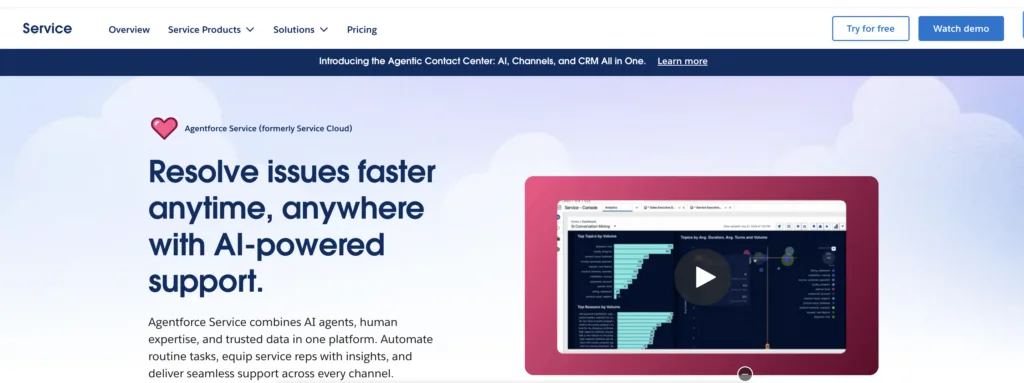
5. Salesforce Service Cloud — The CRM-Powered Enterprise Helpdesk
If your business runs on Salesforce, Service Cloud is the natural extension for customer support. It brings AI (via Einstein), deep CRM integration, and enterprise-grade workflows into a single platform — but it’s complex, expensive, and overkill for most teams outside the Salesforce ecosystem.
Compare in detail: Zendesk vs Salesforce Service Cloud.
Salesforce Service Cloud’s Top AI and Support Features
- Einstein AI: Predictive case classification, agent recommendations, and next-best-action suggestions.
- 360-degree customer view: Full integration with Salesforce CRM — purchase history, interaction logs, and more — all in the agent console.
- Case Swarming: Cross-department collaboration via Slack-integrated channels for complex issue resolution.
- Lightning Console: Customisable agent workspace with contextual data and quick actions.
- Omni-Channel Routing: Routes cases based on agent skills, availability, and workload.
Salesforce Service Cloud’s Pros
- Unmatched customisation: Drag-and-drop builders, low-code/no-code Flow Builder — adapt without heavy IT involvement.
- Deep CRM integration: For existing Salesforce customers, the 360-degree view is genuinely transformative for personalised support.
- Einstein AI insights: Predictive analytics and smart case prioritisation reduce average handling time.
- Enterprise scalability: Multi-language, multi-region, high-volume — it handles the complexity of global operations.
- Vast Trailblazer community: Forums, certifications, and resources reduce onboarding and troubleshooting time.
Salesforce Service Cloud’s Cons
- Prohibitive cost: High licensing fees exclude SMBs. Einstein AI and Field Service add-ons push costs significantly higher.
- Complex implementation: Setup often requires consultants and IT teams. Go-live can take weeks or months.
- Overkill for simple support: Feature complexity overwhelms smaller teams — many capabilities go unused.
- Ecosystem lock-in: Without other Salesforce products, standalone value is limited.
- Occasional performance lag: Heavy customisations can cause slowdowns during peak usage.
Salesforce Service Cloud’s Pricing
- Essentials: $25/user/month — basic case management
- Professional: $80/user/month — multi-channel support and reporting
- Enterprise: $165/user/month — advanced customisation
- Unlimited: $330/user/month — full AI, 24/7 support
- Free Trial: 30 days
6. ServiceNow — The Enterprise ITSM Platform
ServiceNow is in a different category to most tools on this list. It’s not primarily a customer support platform — it’s an enterprise ITSM powerhouse built to manage IT workflows, employee services, and cross-functional operations at massive scale. For IT-heavy organisations, it’s exceptional. For everyone else, it’s overkill.
ServiceNow’s Top AI and Support Features
- Now Platform Workflow Automation: Unifies IT, HR, and customer service processes on one automated platform.
- Predictive Intelligence: AI categorises and prioritises incidents based on historical patterns.
- CMDB: Configuration Management Database tracks IT assets and dependencies for faster root-cause resolution.
- AI Search: Machine-learning-powered search surfaces relevant knowledge articles for agents and end-users.
- Cross-functional automation: Bridges IT, HR, and support in ways standalone helpdesks cannot.
ServiceNow’s Pros
- Best-in-class ITSM: Incident, problem, and change management with full ITIL compliance.
- Highly customisable workflows: Adaptable for unique enterprise processes without heavy coding.
- AI and machine learning: Proactive support via trend identification and resolution suggestions.
- Strong enterprise integrations: SAP, Oracle, Microsoft, Jira — connected in a single operational hub.
- Global scalability: Multi-instance setups for distributed multinational teams.
ServiceNow’s Cons
- Extremely high cost: Even mid-market teams find the licensing and implementation prohibitive.
- Complex setup and maintenance: Certified experts required. Significant ongoing IT resource investment.
- Not suited for consumer-facing support: Built for IT. General customer service polish is lacking.
- Dated UI: Navigation feels clunky versus modern competitors. Slows adoption.
- Limited SMB fit: Scale and complexity alienate smaller teams. Rarely viable for anything under enterprise size.
ServiceNow’s Pricing
Custom pricing only. Estimated starting cost: ~$100+/user/month for basic ITSM modules. No self-serve trial — demos available on request. Costs escalate significantly with additional modules and customisations.
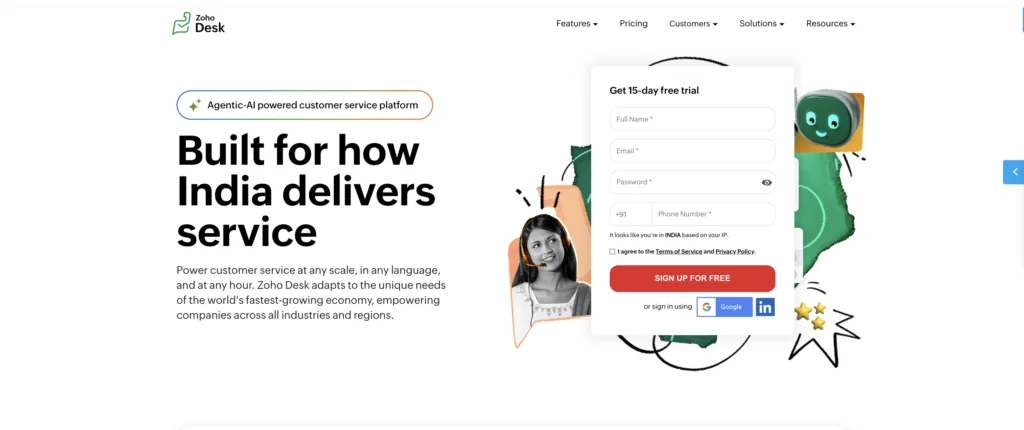
7. Zoho Desk — The Affordable Helpdesk for Zoho-First Teams
For SMBs already embedded in the Zoho ecosystem, Zoho Desk is the natural home for customer support. It offers solid ticketing, AI-assisted triage via Zia, and seamless integration with Zoho CRM — at prices that won’t give your finance team a headache.
Compare: Zoho Desk vs Freshdesk | Zendesk vs Zoho Desk | Zoho Desk alternatives.
Zoho Desk’s Top AI and Support Features
- Zia AI: Suggests responses, detects ticket sentiment, and automates repetitive tasks.
- Blueprint Automation: Visual workflow editor for custom ticket handling and escalation processes.
- Context-Aware Tickets: CRM data and customer history displayed alongside every ticket.
- ASAP Widget: Embeddable widget blending knowledge base and live chat for in-app support.
- Multi-Department Support: Manage tickets across sales, support, and operations in one platform.
Zoho Desk’s Pros
- Genuinely cost-effective: Free for up to 3 agents. Even enterprise-tier AI features at $40/agent/month are competitively priced.
- Tight Zoho ecosystem integration: Zoho CRM, Books, and Analytics sync effortlessly — minimal tool-switching friction.
- Zia AI assistant: Sentiment analysis and ticket prioritisation add intelligence without a steep price tag.
- Customisable self-service portal: Deflects repetitive queries effectively with well-branded help content.
- Multi-department ticketing: Gives growing teams cross-functional visibility without additional tools.
Zoho Desk’s Cons
- Limited automation depth: Complex workflows still require manual intervention. Lags behind Zendesk and Kayako for intelligent handling.
- Inconsistent vendor support: Slow or unhelpful responses from Zoho’s own team create operational risk.
- Cluttered UI: Functional but not elegant. Navigation can slow onboarding for new agents.
- Scalability ceiling: Performance dips with high volume or global operations. Better suited to sub-enterprise teams.
- Ecosystem lock-in: Outside the Zoho universe, integrations are weaker and often require custom API work.
Zoho Desk’s Pricing
- Free: $0 — up to 3 users
- Standard: $14/agent/month — multi-channel support
- Professional: $23/agent/month — time tracking and SLAs
- Enterprise: $40/agent/month — Zia AI and advanced customisation
- Free Trial: 15 days
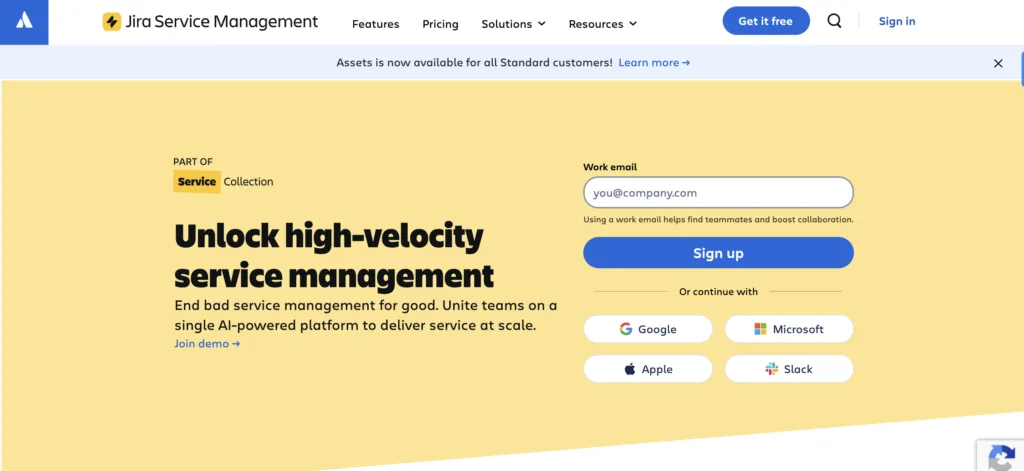
8. Jira Service Management — The Dev-Aligned ITSM for Atlassian Teams
If your support team sits next to your engineering team — and they work in Jira — then Jira Service Management is the logical helpdesk software choice. It bridges the gap between customer-reported issues and development workflows, making it uniquely powerful for software companies and IT teams that practice Agile or DevOps.
Jira Service Management’s Top AI and Support Features
- Jira Software integration: Service tickets link directly to development sprints. Customer bugs flow to dev backlogs instantly.
- Asset Management: Built-in IT asset tracking correlates incidents with specific hardware or software configurations.
- Automation for Jira: API-driven automation rules reduce manual tasks for technical teams.
- Incident Management module: Dedicated tools for major incident response, post-mortems, and root cause analysis.
- Confluence integration: Tickets link to documentation and knowledge bases for streamlined self-service.
Jira Service Management’s Pros
- Seamless Jira Software integration: The gold standard for bridging support and development. Customer bugs become sprint tasks without re-entering data.
- Robust ITSM capabilities: Incident, problem, and change management that competes with ServiceNow at a fraction of the price.
- Highly customisable workflows: Flexible without requiring heavy coding knowledge.
- Built-in asset management: A niche but powerful advantage for IT support teams.
- Strong collaboration tools: Confluence and Slack integration keeps teams aligned on complex tickets.
Jira Service Management’s Cons
- IT-first design limits consumer support: Not built for B2C customer service. Omnichannel features are underdeveloped.
- Complex setup for non-Atlassian users: The learning curve is steep if you’re not already familiar with Jira’s framework.
- Premium costs add up: Advanced ITSM features are locked behind higher tiers. SMBs can feel the price pressure.
- Weak self-service portal: Customer-facing knowledge base and portal UX lag behind friendlier alternatives.
- Performance lag at scale: Occasional slowdowns with large ticket volumes or heavy integrations.
Jira Service Management’s Pricing
- Free: $0 — up to 3 agents
- Standard: $22.05/agent/month (scales down per agent as team grows)
- Premium: $47.65/agent/month — advanced automation and SLAs
- Enterprise: Custom pricing
- Free Trial: 7 days
|
AI Helpdesk Software Pricing Comparison
Here’s a quick reference to compare starting costs across all eight platforms. Remember: headline price is never total cost of ownership. Factor in AI add-ons, implementation services, ongoing admin, and seat-based overages before committing.
| Tool | Starting Price (per agent/mo, annual) | Free Plan / Trial | Enterprise Plan |
| Kayako | Custom – pilot-first pricing | 90-day pilot available | Custom (expert-implemented) |
| Zendesk | $55 | 14-day trial | Custom pricing |
| Freshdesk | $15 (Free plan for 10 agents) | 14-day trial | $79 |
| Intercom | $74 (1 seat) | 14-day trial | Custom pricing |
| Salesforce Service Cloud | $25 | 30-day trial | $330 (Unlimited) |
| ServiceNow | ~$100+ (estimated) | Demo only | Custom pricing |
| Zoho Desk | $14 (Free plan for 3 agents) | 15-day trial | $40 |
| Jira Service Management | $22.05 (Free plan for 3 agents) | 7-day trial | Custom pricing |
Prices based on publicly available information. Always verify with vendor for current rates and enterprise custom pricing.
How to Choose the Best AI Helpdesk Software for Your Team
Stop shopping on features. Start shopping on fit. Here’s a practical framework to pressure-test any platform before you commit:
Step 1: Clarify Your Operating Model
- Volume and mix: Email vs chat vs voice? B2C scale vs B2B depth? ITSM vs customer support?
- Resolution patterns: High repetitive FAQ volume (deflection-first) or complex cases (context-first)?
- Org structure: Single brand or multi-brand? Single region or global with multi-language requirements?
Step 2: Define Your AI Outcomes and Guardrails
- Target metrics: Deflection rate, first response time (FRT), average handling time (AHT), backlog burn, CSAT, agent occupancy.
- Required AI features: Intent/routing accuracy, auto-summarisation, suggested replies, knowledge-grounded bots, secure PII redaction.
- Safety requirements: Human-in-the-loop handoff, confidence thresholds, audit logs, content moderation.
Step 3: Validate Knowledge and Search Quality
- Content sources: Native KB, Confluence/Notion, product docs, commerce/CRM data.
- Retrieval quality: Semantic search, re-ranking, snippet accuracy, multilingual support.
- Content lifecycle: Feedback capture, article versioning, ownership workflows, freshness SLIs.
Step 4: Model Total Cost of Ownership (12–36 Months)
This is where most buying decisions go wrong. The true cost of helpdesk software includes:
- Licences and seat costs
- AI, telephony, and WFM add-ons
- Implementation and professional services
- Ongoing admin FTEs and training
- Content operations (KB authoring, bot training)
- Variable costs: messaging overages, MAU-based pricing, data storage, voice minutes
- Exit costs: data export, migration complexity, contractual lock-in
Kayako’s $1 per ticket model and expert-included implementation often produce a dramatically lower TCO than platforms that look cheaper per seat but require months of set-up and ongoing admin overhead.
Step 5: Test at Production Depth — Not Just in a Demo
A demo is not a pilot. A pilot is not a deployment. Run a 2–4 week test on a real queue before you sign.
- Run a 2–4 week pilot on a real support queue
- Track: deflection %, FRT, CSAT, agent NPS, setup hours, admin debt
- Evaluate reliability: widget performance, routing latency, incident history, RTO/RPO
- Conduct security review: SSO/SCIM, roles/permissions, audit logs, data residency, DPA terms
Step 6: Plan the Migration
- Map data: ticket fields, SLAs, macros, KB articles, historical conversations
- Change management: role-based training, playbooks, phased cutover
- Post-launch: hypercare schedule, backlog watch, weekly metric reviews
Which AI Helpdesk Software Should You Choose?
Here’s the short answer:
- For AI-native support with expert implementation and proven ROI: Kayako — especially if you’re scaling a mid-market operation and tired of DIY AI failures.
- For classic omnichannel support with a strong marketplace: Zendesk or Freshdesk (budget-friendly alternative). Compare: Zendesk alternatives.
- For product-led SaaS with in-app engagement: Intercom — though the price creeps fast. See: Intercom alternatives.
- For enterprises that live in Salesforce: Salesforce Service Cloud — if you’re already in the ecosystem.
- For ITSM at enterprise scale: ServiceNow (complex, expensive) or Jira Service Management (Atlassian-native).
- For cost-sensitive teams in the Zoho stack: Zoho Desk — solid value within its ecosystem.
The right answer is always the best fit for your operating model, not the most features on paper. Pilot, measure, and let the data decide.
|